WavLink WL-UG63PD13 Pro USB-C Triple Display Universal Docking Station
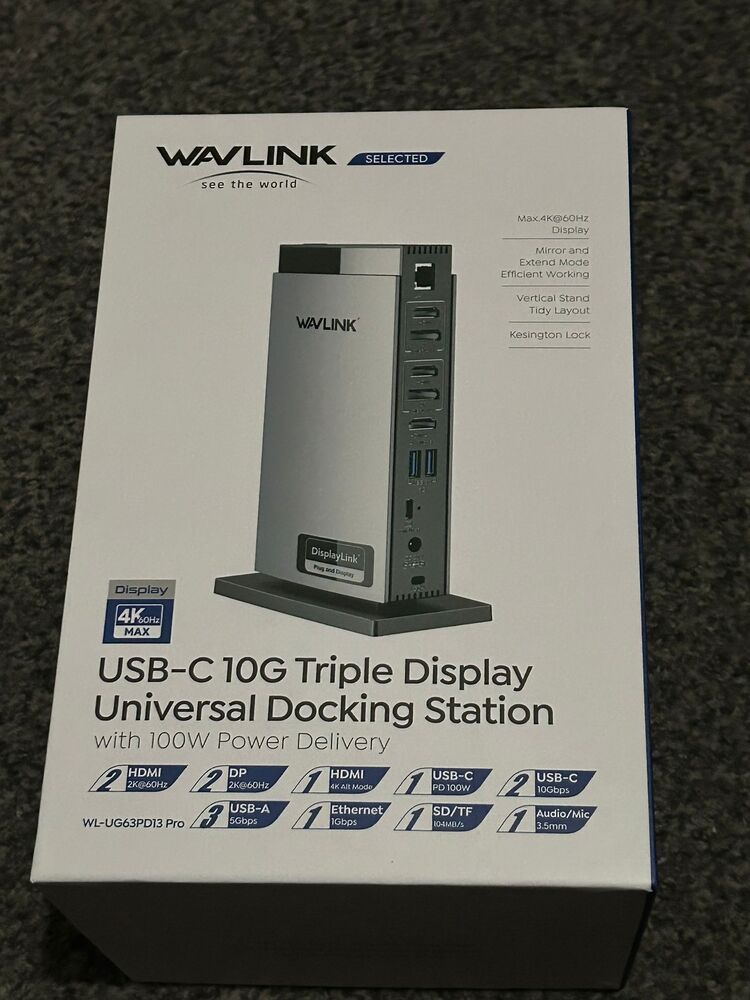
I bought myself a refurbished Macbook Pro M2 back in January 2024. While it is a lovely machine, one really annoying issue is that the M2 MacBook Pro only supports 1 external display. I have 3 monitors on my desk, which all of the other systems I use (my Windows desktop, my Linux desktop and my current work laptop) support. But not this one and I find it very limiting when I’m used to (for example) having the documentation up on a portrait screen next to my main screen. After doing some research, I found that DisplayLink docks can provide multiple monitors to MacBooks, such as mine, that lack the capability natively. I bought a WavLink WL-UG63PD13 Pro USB-C Triple Display Universal Docking Station new from Amazon (UK), in the Black Friday deals, however the one that was delivered had clearly been opened and had signs of use but it was complete and worked.
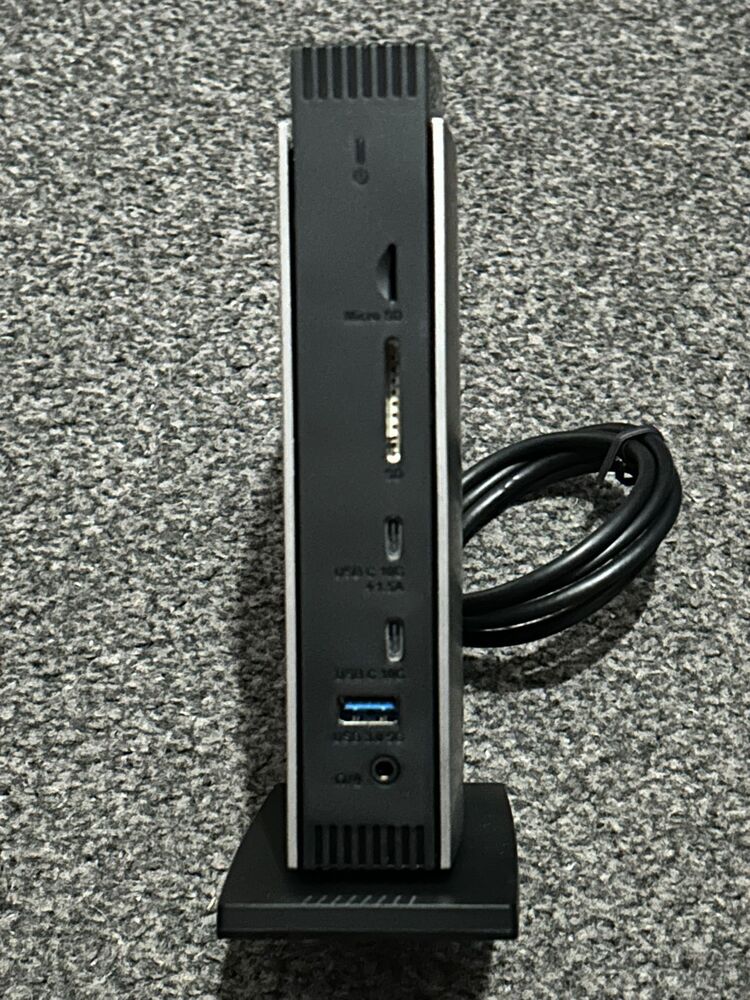
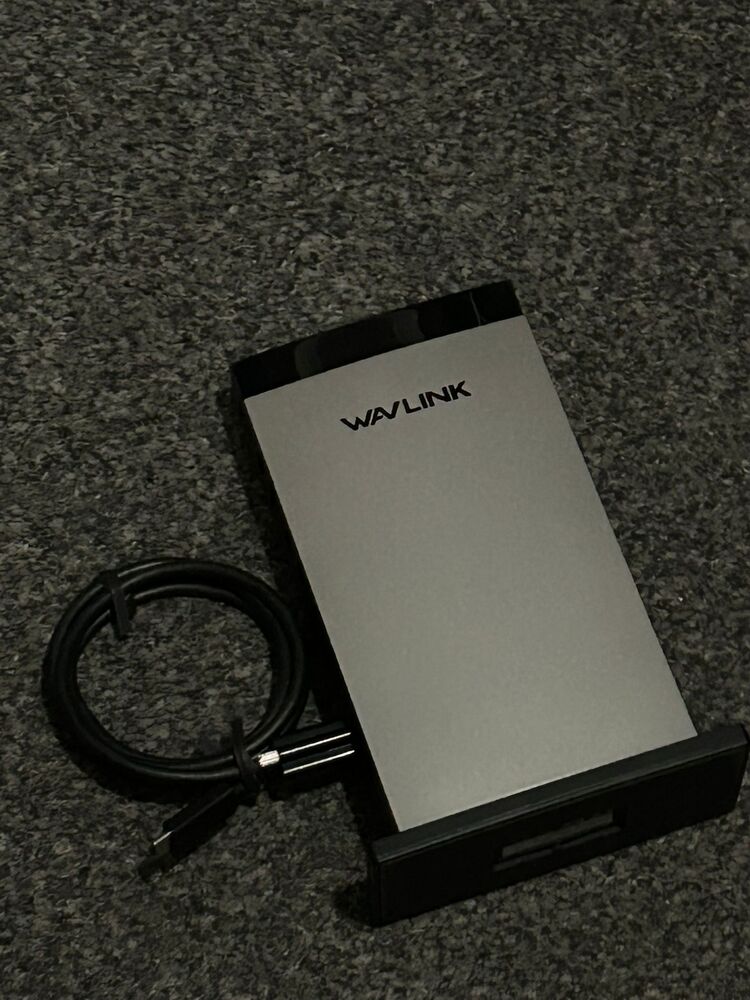
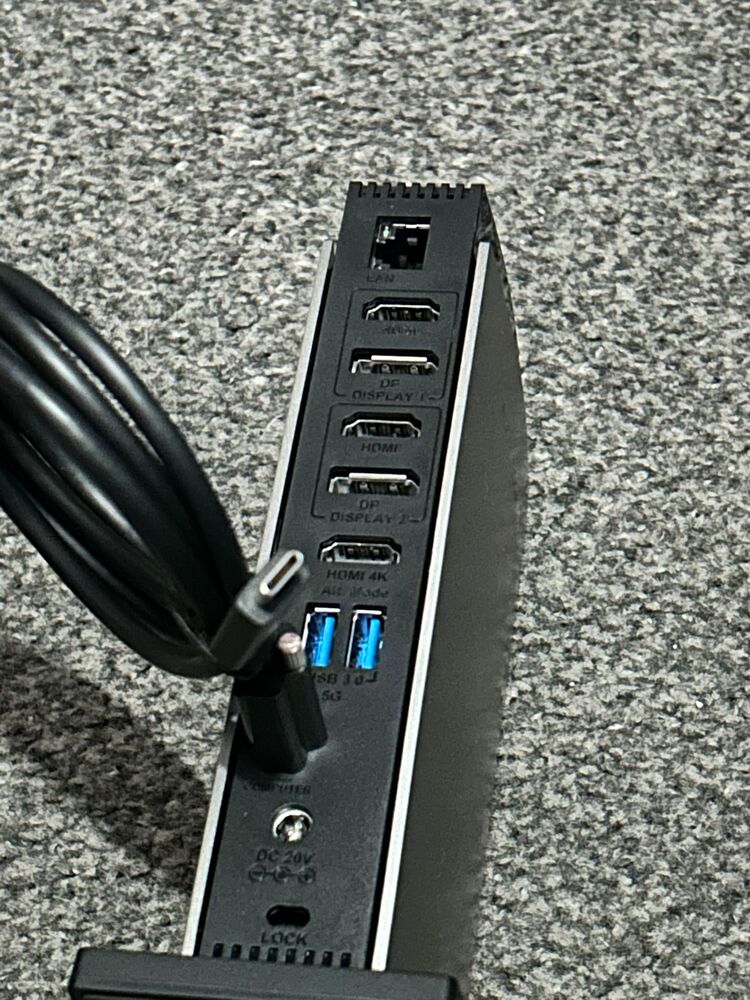
The dock comes with a screw in “cable holder”, which attaches the USB-C cable to the device. With mine, it was already attached to the USB-C cable but I do not know if that was how it was originally shipped or had been done by whomever had opened it before (and presumably returned it to Amazon).
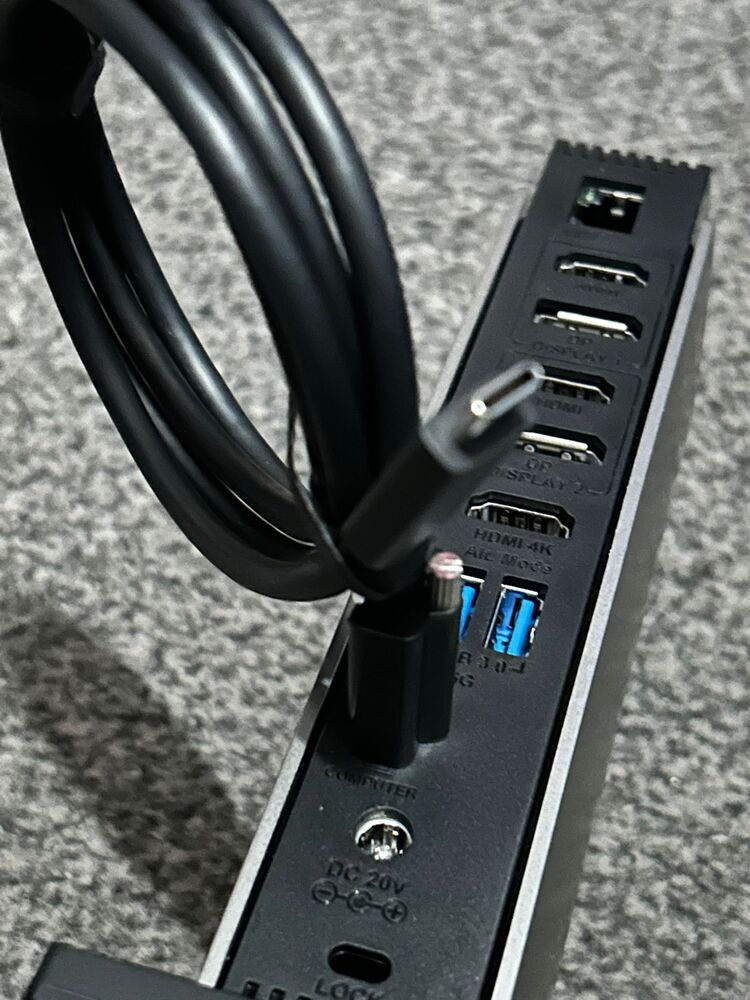
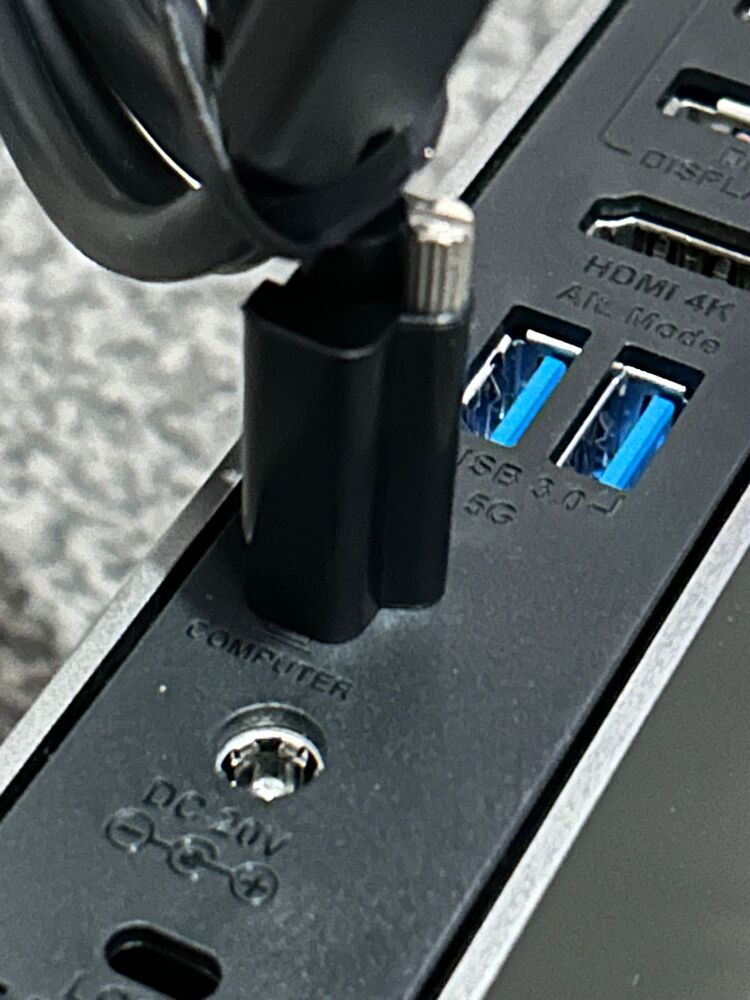
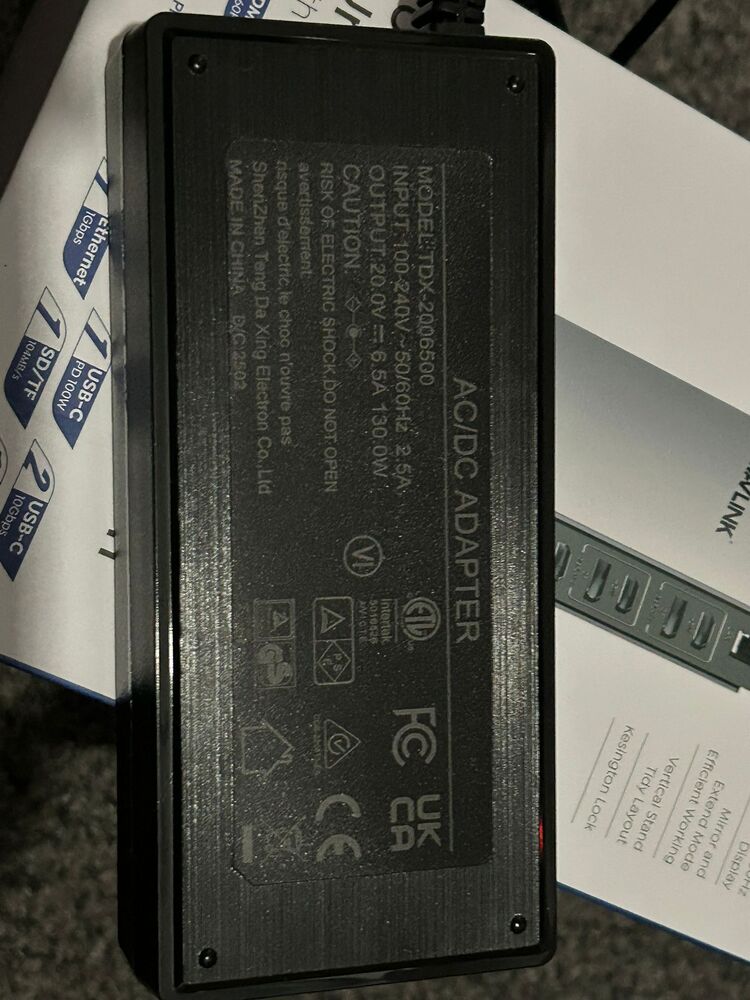
It supports 100W power delivery (via it’s 130W power brick), so no additional power supply is needed for the laptop.
The dock has a single pass-through HDMI connector, which supports up-to 4K screens, and two 2K DisplayLink driven ports. For me, this means I have no choice but to plug my large curved monitor into the pass-through port as the others cannot drive it at its native resolution.
I have shunned DisplayLink in the past, as its software based approach (I suspect the very reason it can circumvent the MacBook’s restriction) is not very performant. It is noticeably laggy, even just moving the mouse cursor or scrolling but not enough to be too irritating and as long as one is mindful what to use the DisplayLink monitors for, it is a vast improvement on being limited to a single external screen.
The DisplayLink technology uses screen recording to work, so DRM video playback (e.g. Sky Go app) will not work while the manager application (which is required for the DisplayLink attached displays to function) is running.
To set it up, I just downloaded and installed the driver from WavLink’s website and plugged it in - everything worked seamlessly, all 3 external displays, USB-3 ports and the wired ethernet port. I am very pleased with it.