GL.iNet Remote KVM
In July I bought myself an IP KVM, which is quite a useful and nifty bit of kit. This post describes it a little and how I configured it onto my network. Along side the KVM, I bought a PoE splitter (which splits out the PoE power to a USB-C plug so it can be powered from just a network connection) and a VGA to HDMI (as the KVM only had HDMI input) adaptor.
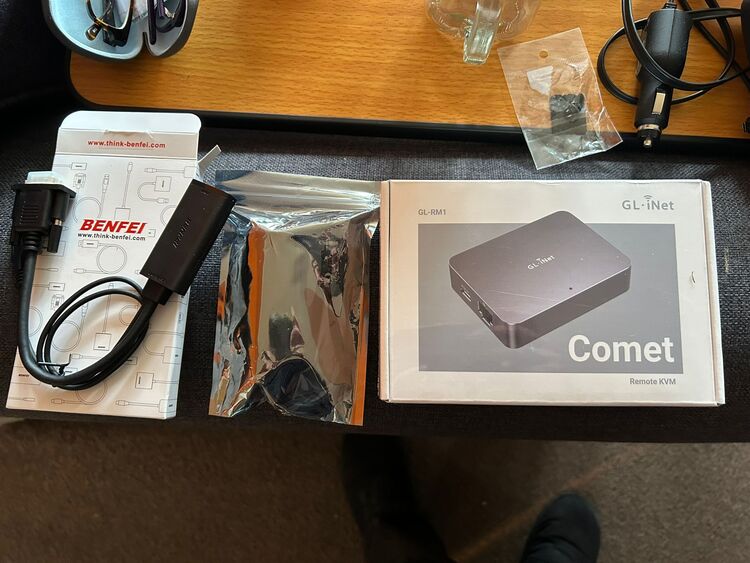
This neat little box provides a web interface, which also incorporates a virtual USB function that can both import and export files via a virtual USB drive and mount an image as a virtual drive (e.g. a Linux install image) to the server being managed. The only fly in this ointment is that the KVM’s virtual keyboard (on screen or relaying the remote keyboard) and this USB drive don’t work with my HP EliteDesk 800 G2 mini PCs, probably for the same reason they don’t work with USB keyboards connected via a HUB, as I described in a previous blog post. With these systems, I had to plug in an external keyboard for working with the early boot/EFI settings/etc. however once an OS was booted it worked fine. Is was still extremely convenient being able to use the KVM just for a monitor for this early configuration.
Connecting to my home network
DNS/DHCP configuration
I gave it a DNS name and DHCP reservation, as I want to be able to move it around, plug and unplug from the network and still be able to connect to it at a known URL (imaginatively, I chose http://ip-kvm).
To do this, I added the device to the dummy group in my Ansible inventory:
dummy:
  hosts:
    # [...]
    ip-kvm:
      interfaces:
        - mac_address: aa:bb:cc:dd:ee:ff  # Actual MAC redacted
and added it a reservation against an IP address in my domain group variables file, group_vars/domain_home_entek_org_uk.yaml:
networks:
  # [...]
  192.168.20.0/24:
    # [...]
    ip4_assignments:
      # [...]
      192.168.20.50: ip-kvm
I then just used Ansible to reconfigure the DHCP and DNS services.
Physical network connection
Enabled an unused switch port (all were already configured onto the main network - although I am undecided whether this is the best place to put it permanently, so I did not save the port enablement for if the switch gets rebooted):
core-switch>enable

core-switch#configure

core-switch(config)#interface gigabitEthernet 1/0/47

core-switch(config-if)#no shutdown
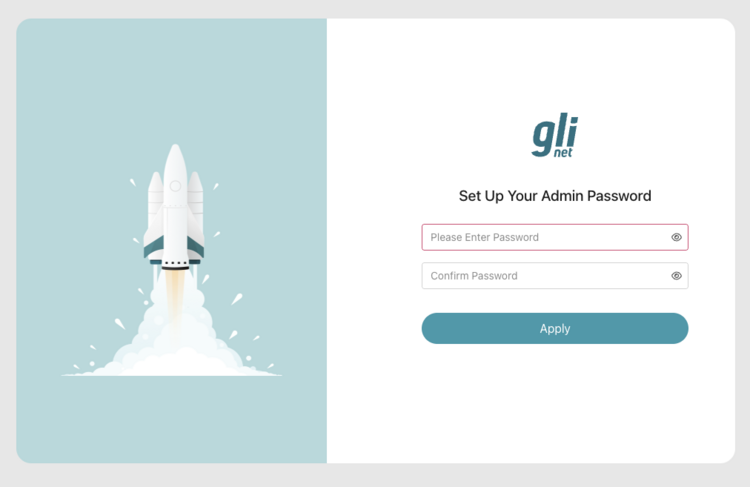
On first connecting to the KVM, I got asked to set an admin password (which I did):